We are entering the custodial era of UX. In this era, AI makes it possible to generate content, prototype, vibe code, and build working features much faster than before. This newfound speed is valuable, but it also leads to UX debt when teams haven’t taken the time to understand, evaluate, or refine their AI output.
In many organizations, UX is therefore encountering work later in the process: a prototype already exists, an AI-generated feature has already been added, or a workflow is already in production. The work is less about “designing from a blank page” and more about “deciding what from AI to keep and what needs to change.” That is custodial work. Luckily, UX is good at bringing structure to chaos and evaluating what actually matters for users, and those skills are important when production moves faster than traditional UX processes.
Ship Fast, Clean Up Later
You’ve probably experienced this type of cleanup work before. When teams move directly from an idea to a plausible-looking artifact and experiences are created through “vibes” or intuition, it’s easy to postpone foundational UX questions about user behaviors or whether features should exist at all. The result can be:
- Interfaces that “technically function” but are unnecessarily confusing
- Copy, graphics, and audio that are so obviously AI-generated that they become awkward distractions (and reputation killers)
- AI messaging that overwhelms the core value proposition, leaving users unclear about what an organization, product, or feature does
- Products overloaded with “smart” functionality that adds complexity but solves few real problems
- Teams optimizing for speed, demos, and stakeholder excitement instead of usability
- Features built because they could be built, not because users wanted or needed them
AI-generated or AI-assisted work isn’t inherently bad. The problem is that production has become cheaper than UX evaluation. It can now take less time to create an experience than to decide whether that experience is useful, usable, trustworthy, or coherent.
Rushed AI-Assisted Production Creates UX Debt
AI can generate 5 versions of a workflow in an afternoon, but deciding which one actually helps users requires understanding:
- User goals and emotional context
- Cognitive load and mental models
- Accessibility and inclusivity needs
- Interaction design and costs
- Information architecture and findability
- Trust and credibility
- Usability heuristics and cognitive biases
- Organizational needs, workflows, and edge cases
When evaluation does not keep pace with implementation, teams accumulate UX debt: the resulting experience may work well enough to demo or ship, but user confusion and degraded trust surface later. Shipping something quickly is not the same as creating something useful.
Some problems become apparent only when users try to use the feature in the context of their real lives, and the confusion, abandonment, support requests, or workarounds start to surface.
AI can also exacerbate issues unrelated to the technology itself. When teams communicate poorly, follow a broken process, or make abrupt, poorly informed decisions, flaws in the design get built and shipped more quickly. AI makes teams faster but also makes their messes more consequential.
The Custodial Pattern
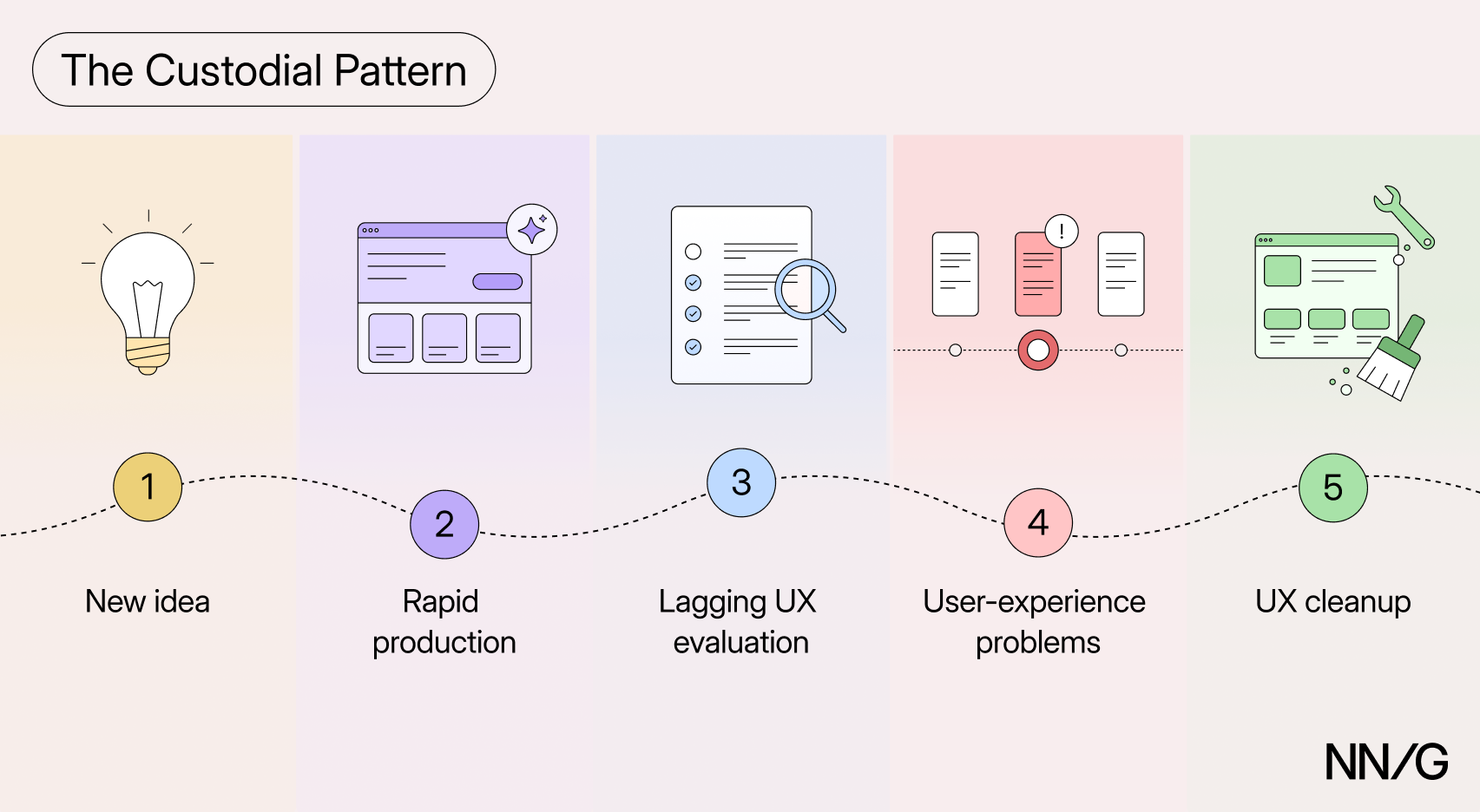
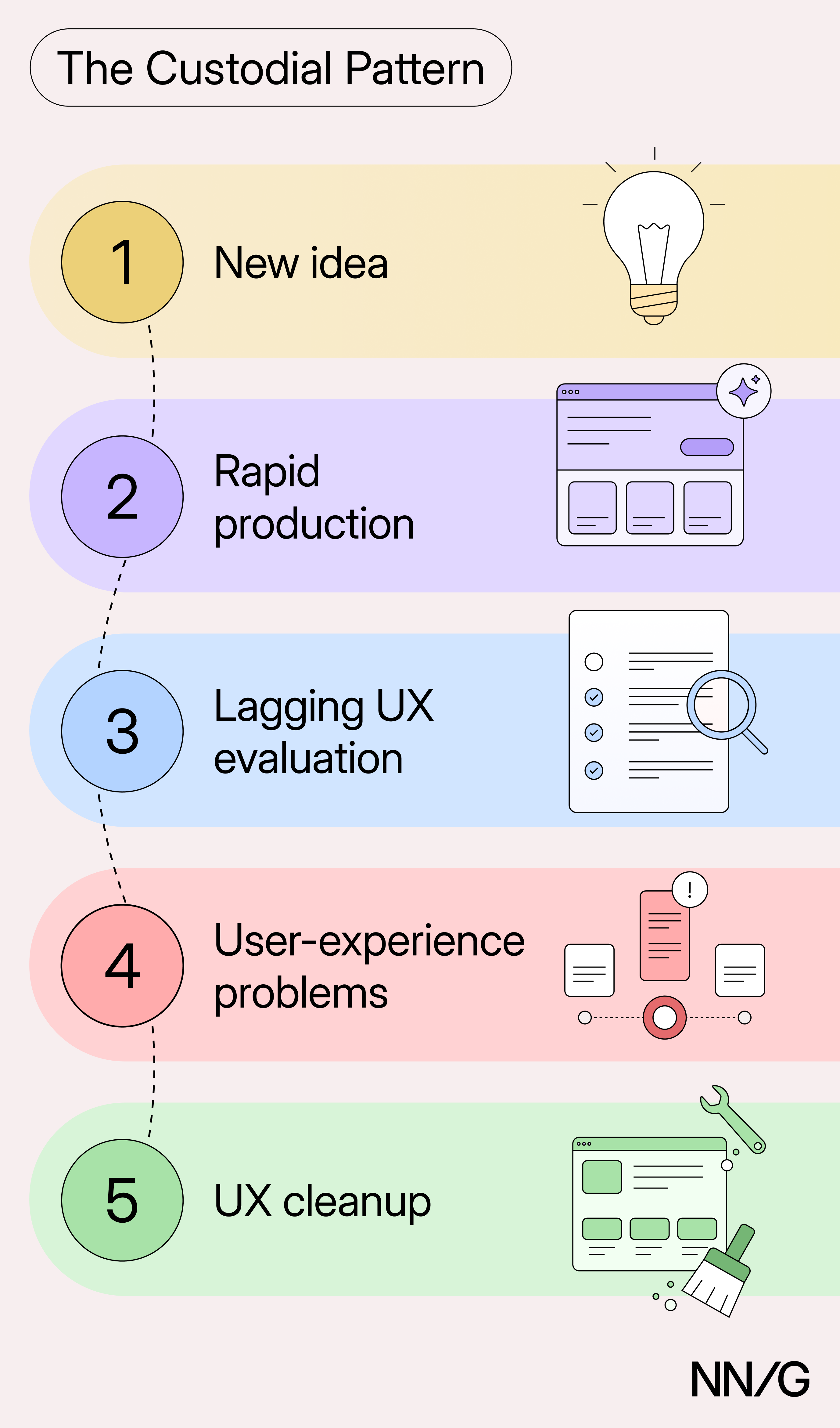
Many organizations and teams are now running through a custodial pattern:
- New idea: A team identifies an opportunity, feels pressure to respond to momentum in the market, or simply to use AI.
- Rapid production: AI tools make it possible to prototype or implement ideas very quickly.
- Lagging UX evaluation: Because the results look good, teams skip user research and investigating “Should this even exist?” and move directly to “How quickly can this be shipped?”
- User-experience problems: User confusion, support needs, weak adoption, or other signals indicate issues that were not obvious in the prototype.
- UX cleanup: UX is asked to evaluate, simplify, repair the experience, or help decide what to keep.
This pattern can occur even in organizations that value UX and normally involve it in product development. Because AI makes it so quick to build things, even these teams can find themselves with a working feature without taking the time to assess its value and usability.
UX as the Custodian
In this environment, UX practitioners are:
- Translators between hype and reality, triaging what deserves attention first
- Evaluators of whether AI improves workflows for users
- Simplifiers of overengineered experiences and interfaces
- Advocates for user understanding and control
- Researchers uncovering where the quickly generated designs create friction
- Editors of generic, unclear AI-generated content
The custodian role can feel frustrating, especially when UX is brought in only once the experience has become difficult to use. But this role can also create leverage by teaching organizations how to prevent the next mess. That involves three types of work:
- Building shared judgment about what gets built: evaluating the rapidly produced experiences and making the reasoning behind those decisions transparent, so teams learn to distinguish what can be built from what should be built.
- Adapting UX evaluation to the new speed of production: creating faster ways to assess the UX of rapidly produced prototypes or features, without abandoning user data and UX principles.
- Adding UX to the generation process: adding meaningful, vetted UX and design guidance to the AI tools used for content and prototype generation so that what gets generated starts from a stronger UX foundation.
UX practitioners who combine foundational UX expertise with practical AI literacy are well-positioned to carry out this type of work.
How to Work During the Custodial Era
Simply asking teams to give up on using AI to generate prototypes and content is unlikely to work. If AI tools are available and fast, people will use them. UX cannot rely on teams giving up this technology entirely and reverting to standard, well-established user-centered processes.
Instead, UX needs to preserve the ability to provide design input while changing how and when this input is provided. Even if the original process changes, the questions it was meant to answer should still be addressed, even as production moves faster.
1. Build Shared Judgment About What Gets Built
A working prototype can easily move the conversation from “Do we need this?” to “How soon can we ship this?” UX should help teams distinguish buildability from usefulness and recognize that shipping a feature quickly is not the same as improving the user experience.
When you receive an already built AI-generated feature, don’t start right away by polishing it. Triage it first and do a cost–benefit analysis. Ask yourself:
- What problem does this feature address, and what evidence do we have that this is a real user need?
- How important or frequent is this problem for users?
- How does the feature fit into users’ current mental models and workflows? Does it duplicate an existing path, replace it, or introduce something new that people will have to learn?
- How does it fit in the current systems in your organization? Would its seamless integration require a lot of work or changes to what you already have?
- What costs and risks come with this feature, for both the users and the business? Think about added complexity, as well as added support or maintenance costs. Consider the opportunity cost of redesigning other parts of the experience around a feature that may not be useful.
The most important question is still: “Does this improve the user’s experience?” Not: “Can we technically build it?”
Push back on refining features nobody needs. The outcome of triage is not always “redesign it.” You may keep a feature, simplify it, integrate it into other flows, postpone launching it, or remove it. Your work is to help the team decide what’s worth saving.
Even if you think that a feature may be worth pursuing, stay vigilant for any extras that add unneeded complexity and edit mercilessly. Messages that obscure the core value? Redundant controls? Duplicated workflows? All of these should be removed rather than improved. Look out for these common AI pitfalls and edit them out.
Questioning what gets built is ultimately a form of UX education, and triage should yield more than a decision; it should also produce a lesson for the team. Explain why the feature works or doesn’t, so the rest of the team learns how to apply the same UX criteria to the next idea. Over time, this builds shared judgment rather than leaving UX as the only group responsible for spotting problems. (And it may teach your teammates to generate better designs).
2. Make Evaluation Keep Up with Production
If AI enables the rapid production of prototypes and new systems, then UX must adapt its processes to the new rhythm. The answer is not to abandon users’ needs or to just trust the prototype. Instead, it’s to find ways to evaluate, triage, and discard prototypes more quickly.
Research doesn’t have to become a bottleneck for evaluating prototypes. Match the evidence to the risk involved: a low-risk feature may warrant quick user tests, a new high-stakes workflow may warrant more rigorous (and time-consuming) methods.
UX teams can also build infrastructure to speed up user research. For example:
- Maintain a user panel or use another rapid-recruiting mechanism to help you test promising prototypes.
- Use AI to accelerate the mechanics of setting up or analyzing a user study. Drafting research plans or screeners, scheduling sessions, and analyzing and reporting data can be sped up with AI. (But don’t substitute real users with synthetic ones, and keep researchers responsible for data interpretation and conclusions).
You can also build tools to speed up design evaluation, even in the absence of user research (or before any). For example:
- Create a standard evaluation template with questions that any design should address. Include things like the user value and problem solved, tasks that can be sped up with the design, and explicit validation criteria.
- Create checklists or heuristics lists including criteria specific to your organization (e.g., accessibility checks, content guidelines) and use them to quickly evaluate designs. See if an AI tool could help you check designs against these.
This is also a good moment to get a realistic, first-hand sense of where AI genuinely speeds up your work and where it doesn’t.
Build enough AI literacy to understand what AI can do well, where it needs strong constraints, how outputs vary from one run to another, and what common pitfalls teams relying on it can encounter. This knowledge will help you distinguish between problems with the use of AI and problems with the solution. It will also make your recommendations more realistic. Ultimately, the goal is to speed up the UX evaluation and triage process while keeping foundational UX knowledge in the loop. Find ways to quickly eliminate weak ideas and devote research resources to promising ones.
3. Add UX to Generation
The best way to reduce cleanup is to build UX knowledge into the design-generation process from the start. If the same UX problem repeatedly appears in AI-generated artifacts, then it’s more efficient to instruct the AI to prevent this problem from the start, instead of redesigning every single output. In other words, incorporate what you learn from the cleanup back into the generation process.
Work with your team to capture the design and UX knowledge within your organization and use it to inform AI-generated work. This could include:
- UX-context files (such as Design.md or UX.md) that capture relevant UX principles and guidance for the model.
- A design system and a set of approved interaction patterns so the AI system relies on legitimate building blocks.
- Clear content and formatting standards
- Accessibility requirements
- Known deceptive patterns that should be avoided
This type of guidance needs to be actively maintained and updated with new insights you derive from your continuous evaluation of interfaces or from working with real users.
Such guardrails do not mean the AI can take over the UX role. It just means that more of the UX knowledge is used in the generation process, allowing UX to spend less time correcting predictable problems and more time assessing the complex, nuanced ones.
From Janitorial Work to Custodian of User Needs
One meaning of “custodian” is the person who cleans up the mess. UX may spend more time in that mode as organizations learn how to use AI responsibly and as rapidly generated features accumulate UX debt.
UX work should not, however, be reduced to janitorial work forever. By turning lessons from cleanup into shared product judgment, faster evaluation, and better generation, UX professionals can influence the process earlier and help prevent the next mess.
The word “custodian” has another meaning: someone entrusted with the care of something valuable. In that sense, UX will remain a custodian: not of the mess created by AI slop, but of the real users’ needs.
UX does not need to protect an old process for its own sake, but it does need to protect what that process was meant for: technology centered on human needs. Whether people interact with that technology directly or delegate the interaction to an AI agent, UX’s custodial role is to make sure that what gets built serves human needs.
Happy cleaning, for now.