Huei-Hsin Wang (王彚心) is a Senior Experience Specialist with Nielsen Norman Group. As a multi-passionate UX researcher with a background in Industrial Design, Huei-Hsin specializes in design visualization, product development, innovation strategy, and storytelling.
Keyboard accessibility is crucial for inclusive web design. Test your site using only a keyboard to ensure clear focus states, access to all interactive elements, and logical tab sequences.
Use the EAS framework — Eliminate first, Automate where possible, and Simplify what remains — to minimize user effort and improve form completion rates.
Destination pages fulfill users' information needs through detailed content, while transition pages guide them toward these destinations through navigation and brief overviews. Content prioritization based on user goals and information needs is key in designing both pages.
The LATCH framework organizes information based on location, alphabet, time, category, and hierarchy. This method helps transform complex datasets into meaningful structures, facilitating effective navigation.
Enhance your homepage design by avoiding false floors, providing clear scrolling cues, adhering to familiar web standards, and creating a distinct visual hierarchy to focus user attention.
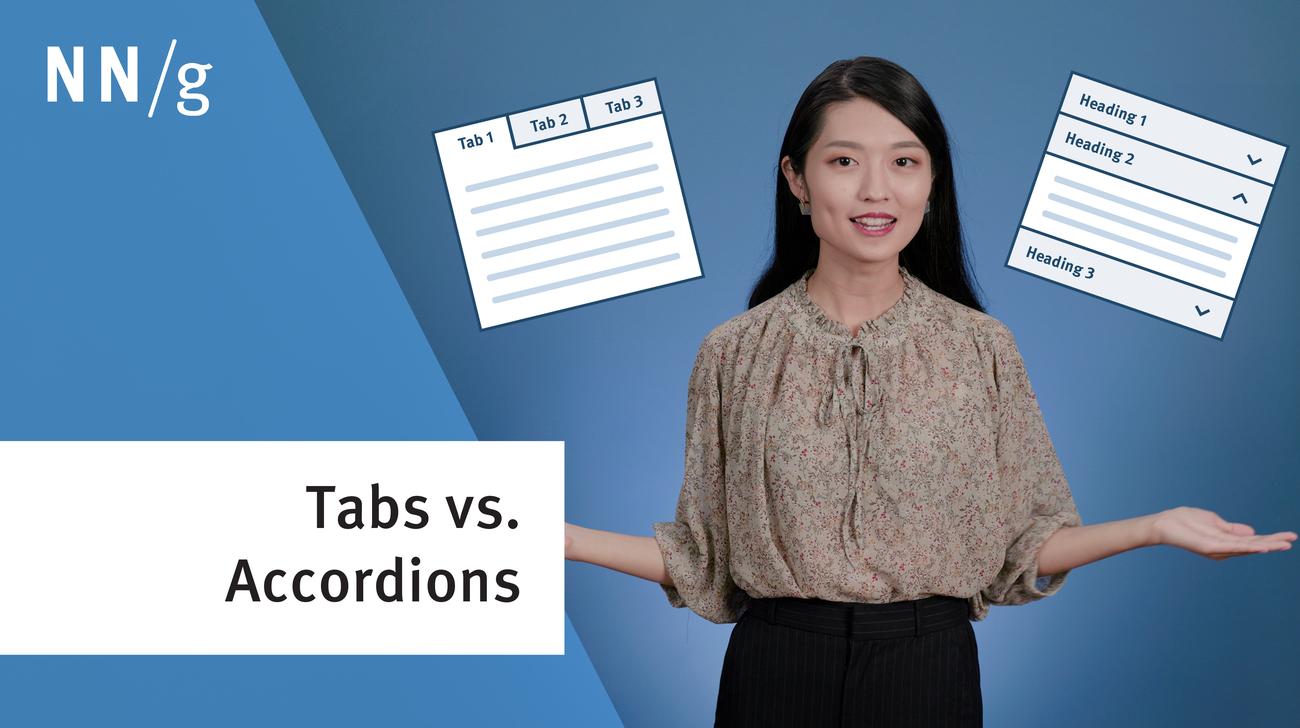
Tabs and accordions organize and layer content on the same page. Tabs suit a few long sections, while accordions fit many short ones. Choose based on your content structure and user needs for optimal layout.
In-page links help users navigate to specific content sections on the same page. For effective use, use descriptive headings that match the destination, and clearly distinguish in-page links from other links.
Effective homepages are simple and easy to access, communicate the organization’s and site’s purpose, show engaging content, and prompt users to take action.