Human Computer Interaction Articles & Videos

  • The Paradox of Intelligent Assistants: Poor Usability, High Adoption

    Frequent users of Siri, Alexa, and Google Assistant report attempting low-complexity tasks such as simple fact retrievals, weather forecast, navigation, playing music, setting timers.
  • Signal–to–Noise Ratio

    Relevant information is “signal,” while irrelevant information is “noise”. A high signal–to–noise ratio is a key outcome for any UX professional’s work, in terms of both content and page design.

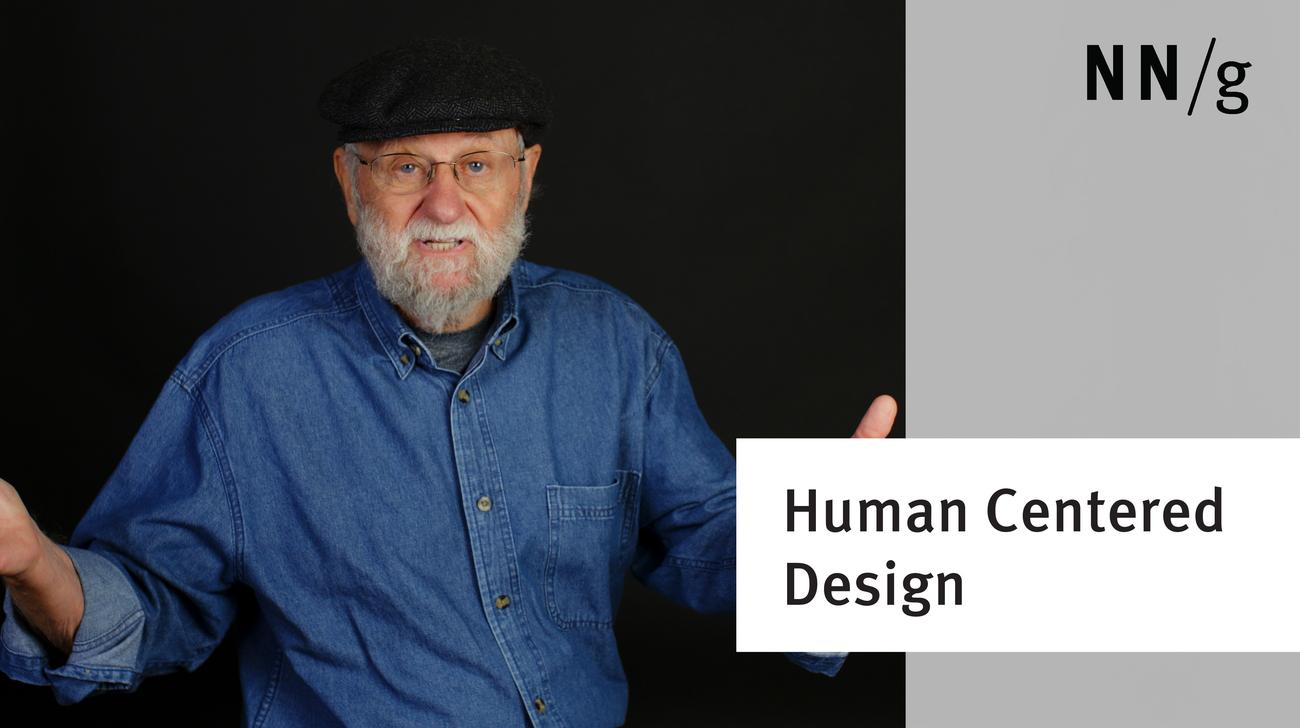
  • Principles of Human-Centered Design (Don Norman)

    Human-Centered Design (HCD) is not about following processes. It’s about being mindful of HCD principles. Keep focus on people and the entire system to solve the right problems.

  • Visibility of System Status (Usability Heuristic #1)

    Communicating the current state allows users to feel in control of the system, take appropriate actions to reach their goal, and ultimately trust the brand.

  • Working Memory and External Memory

    Human working memory holds information relevant to the current task; a physical or virtual external memory can help in tasks with a high working-memory burden.

  • The Two UX Gulfs: Evaluation and Execution

    With every interaction, users must overcome the twin challenges of understanding the current state of a system and figuring out how to change it. Designers can support them by being aware of these gulfs and bridging them with a transparent conceptual model.

  • User-Experience Quiz: 2017 UX Year in Review

    Test your UX knowledge by taking our quiz. All questions and answers are based on articles that we published last year.

  • A 100-Year View of User Experience

    The UX profession has grown substantially since 1950 everywhere in the world. Even so, the expected growth until 2050 will dwarf anything we’ve seen so far.

  • Typography for Glanceable Reading: Bigger Is Better

    Fonts to support glancing at individual words should be larger, in noncondensed widths, and uppercase over lowercase.

  • Voice First: The Future of Interaction?

    Devices which include screens, but employ voice as the primary input method point the way towards a more integrated and useful holistic user experience.

  • Are You a Cognitive Designer? (Don Norman)

    Don Norman answers the question people often ask: What kind of a designer am I?

  • Design for How People Think (Don Norman)

    Design for how people are, not what you want them to be.

  • First Impressions Matter: How Designers Can Support Humans’ Automatic Cognitive Processing

    The first visceral reaction to a site’s design influences how users perceive relevance, credibility, and even usability.

  • Audio Signifiers for Voice Interaction

    Provide explicit, implicit, and nonverbal signifiers to help users understand their options in voice-interaction interfaces.

  • Human Technology Teamwork: The Role of Machines and Humans in Good UX Design (Don Norman)

    Design technology to be a collaborator—a team worker. Allow people to do what they are good at rather than force them to act like machines.

  • Wizards: Definition and Design Recommendations

    A common application-design pattern for inputting information, wizards work well for processes that are performed only occasionally.

  • User-Experience Quiz: 2016 UX Year in Review

    Test your UX knowledge by taking our quiz. All questions and answers are based on articles that we published last year.

  • AI's Impact on New Technologies

    Jakob Nielsen answers an audience question about artificial intelligence and its impact on new technologies.

  • Direct Manipulation: Definition

    Direct-manipulation UIs support interaction with visible objects of interest via physical, reversible, incremental actions that receive immediate feedback.

  • Emotional Design

    Discover the 3 levels of emotional response, and how emotion affects value judgments and how user behavior impact UX.