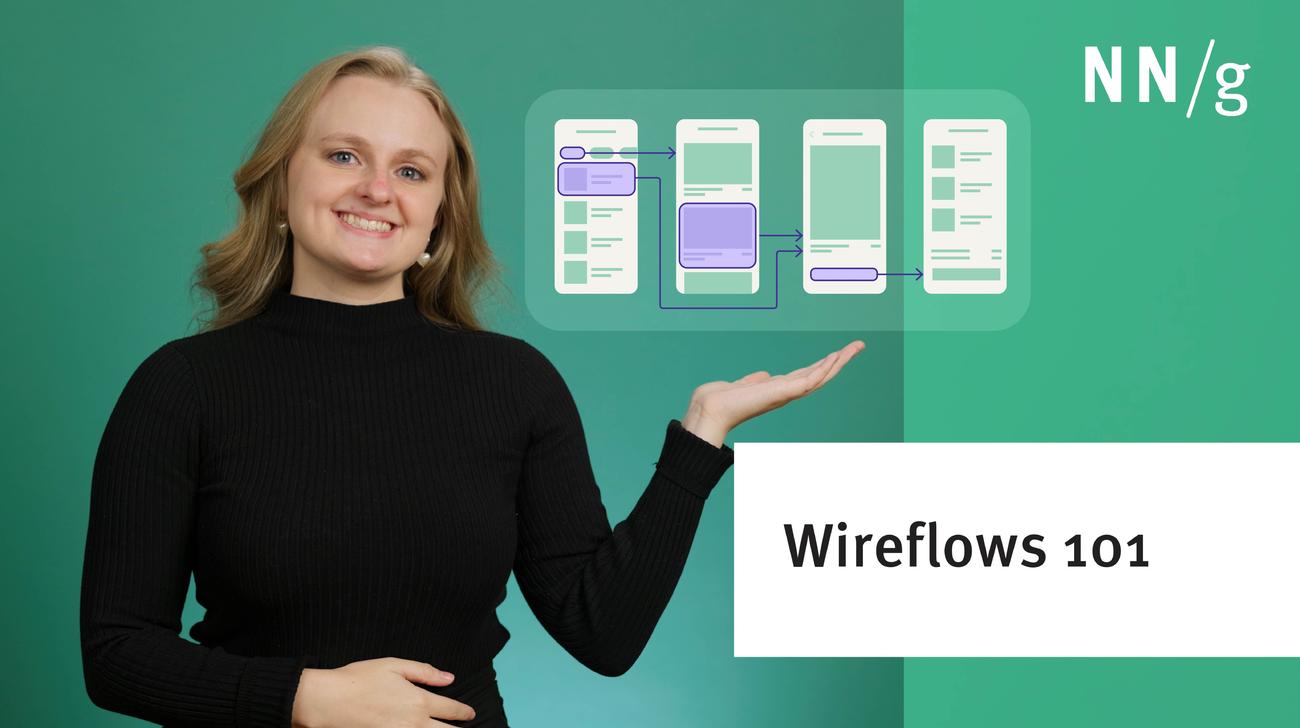
Wireflows combine wireframes with flowcharts to help document user interactions. They can aid in team collaboration, developer handoff, and help ensure clear communication for complex interactions.
Promptframes combine traditional wireframes with AI prompts to create content-rich prototypes. Ditch confusing placeholders using AI to quickly inspire feedback from your collaborators and users.
Our research and evaluation show that there are currently few design-specific AI tools that meaningfully enhance UX design workflows. As of Spring 2024, AI isn’t ready for designers to take advantage of them.
Choosing the right prototyping tool can be difficult among the many options available. There are 5 key factors to consider when selecting the best fit for your project or team: project type and goals, cost, tool capabilities, learnability and ease of use, and stakeholder buy-in.
The Goldilocks Principle says to aim for prototypes that are just right for your user research needs and will get an honest reaction from participants.
Element, functionality, and content are three types of prototype specifications that help us document design details that are otherwise easily overlooked.
Two user research methods allow you to quickly test a large number of design alternatives, thus accelerating UX innovation. Rapid iterative design and within-subjects testing of multiple alternate designs aren't for every project but are great when they do apply.
An overview of the similarities and differences between user-interface wireframes and prototypes, as well as the audiences that are best suited for each.
UX designers answer the question of when they prefer to use hand-drawn sketches of a user interface design vs. pixel-perfect designs generated on a computer.
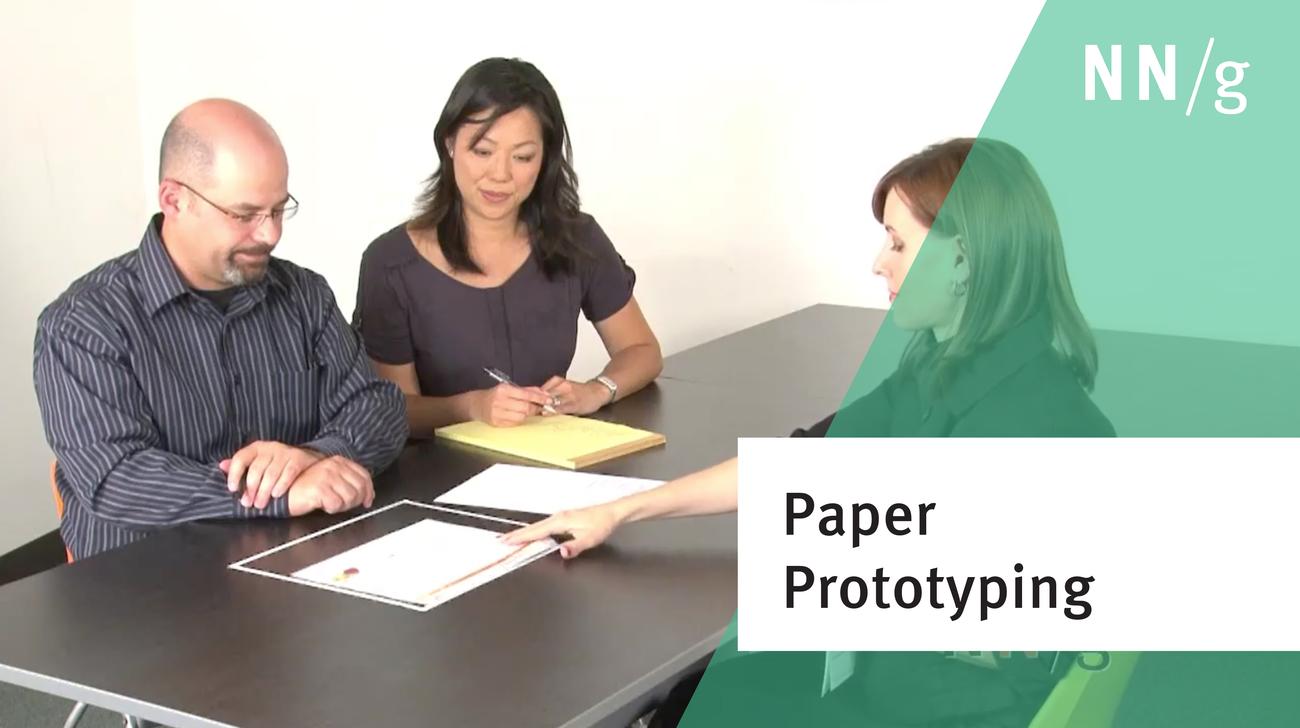
Using paper prototypes is a great way to test a design idea and get usability feedback quickly. You can test whether a layout makes sense to users and make immediate changes if they run into issues.
Don't waste time creating prototypes when the designs already exist in the real world. Before you throw out the old and bring in the new, perform user research on existing websites.
Create low-fidelity, low-commitment rapid user interface prototypes to can get early user feedback. Video shows how to conduct user testing of these simulated screens, with examples of the kinds of usability problems you can discover by testing different kinds of prototypes.