A clear guide to UX research democratization—definition, misconceptions, benefits, research ops, templates, training, tech, and AI best practices for scaling quality insights.
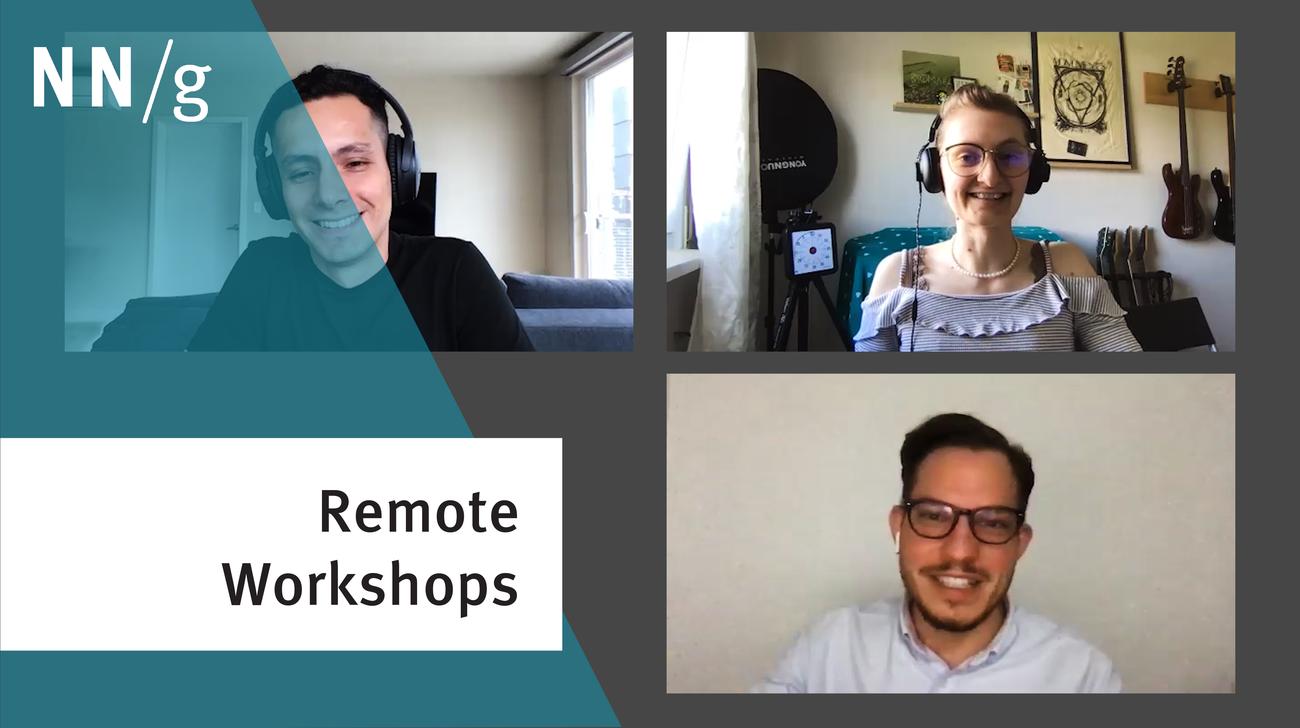
Break the virtual barrier in remote UX workshops by incorporating tangible objects, using different virtual spaces, and varying participant contribution methods.
Hybrid workshops are the ultimate test of facilitation skills: you must bridge the gap between in-person and remote participants, not widen the divide. There are three types of hybrid workshops and each presents its own set of logistical nightmares.
Research participants are more vulnerable than ever as researchers conduct remote usability tests, use third-party applications, and store data online. Protect participant privacy by adhering to best practices before, during, and after data collection.
Some of the biggest pitfalls in running remote or hybrid UX workshops come from poor choice of remote tools, poor agendas, or not managing expectations appropriately before the meeting.
We compare the budgets needed for different kinds of qualitative user research: in-person usability testing vs. remote studies run by software (unmoderated) or run by a human moderator.
Tips for placing all information about users in a single place, so that the entire UX team can leverage this knowledge. Eden Lazaness shares her experience and demos the tools her team used. This was filmed during a participant experience panel after a recent UX Conference.
Participants in the Virtual UX Conference share tips for running UX workshops remotely to overcome challenges of participant fatigue and engagement and getting clients to use collaborative design tools.
With experience, UX teams have evolved techniques for better collaboration and design practices to involve and engage remote and distributed team members. With participants at the Virtual UX Conference.
We talked with a group of UX leaders to hear their experience managing UX teams remotely and their tips for forcing engagement that might happen naturally in person. Filmed during the Virtual UX Conference.
Field visits are ideal for UX research since we observe users in their natural environment. But what if you can't get into the users' home or office? Remote methods can work.
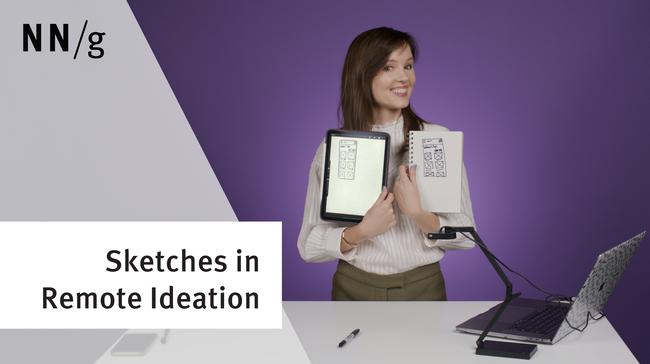
Depending on how much your team can spend, your team might want to use tablets, document cameras, smartphones, or your computers’ webcams to share sketches.
Learn how to run a remote moderated usability test. This second video covers how to actually facilitate the session with the participant and how to end with debrief, incentive, and initial analysis with your team.
In remote usability studies, it's hard to identify test participants who should not be in the study because they don't fit the profile or don't attempt the task seriously. This is even harder in unmoderated studies, but it can (and should) be done.
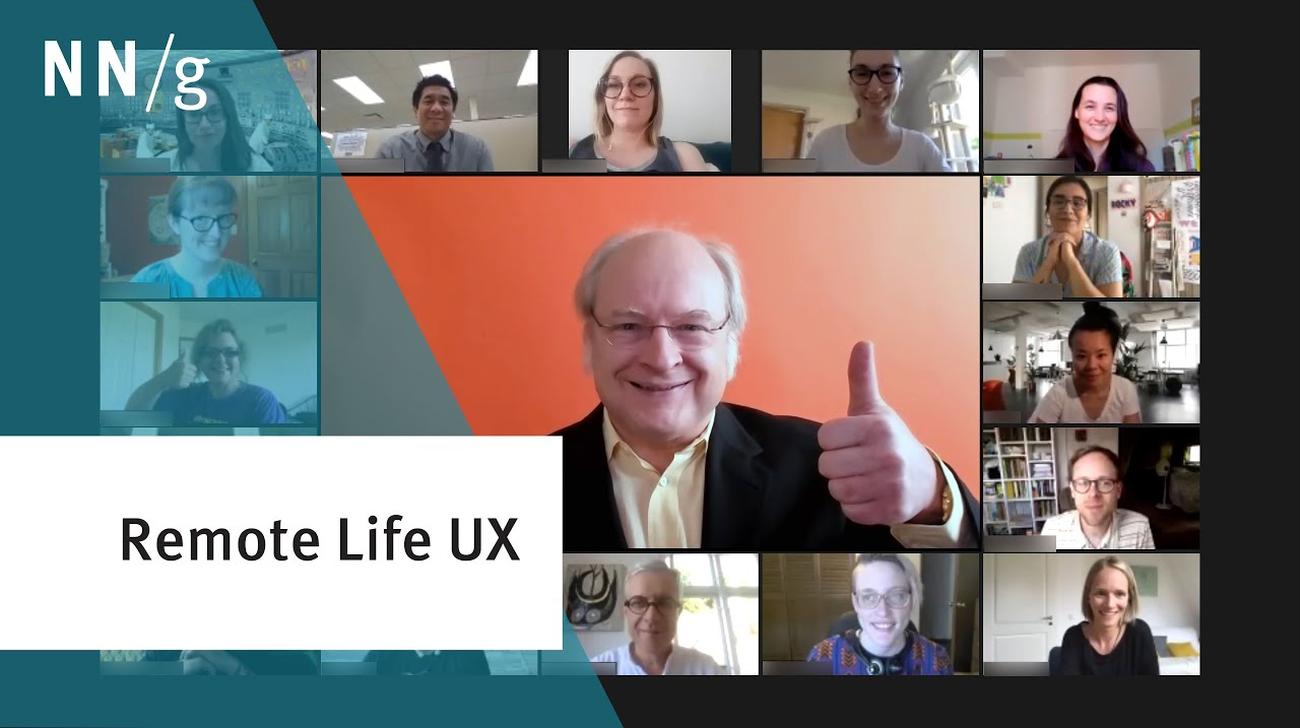
At the virtual UX Conference, Jakob Nielsen was asked "What's the most interesting UX topic at the moment?" Answer: better support for remote lifestyles.
Remote usability studies can be run completely by software (unmoderated), or a human UX researcher can facilitate the study, even if the test participant is remote (at home or their own office, rather than yours).
How to maximize team participation and the value of the outcome when running a UX workshop remotely. Different platforms have different benefits and downsides, so choose depending on your circumstances and needs.