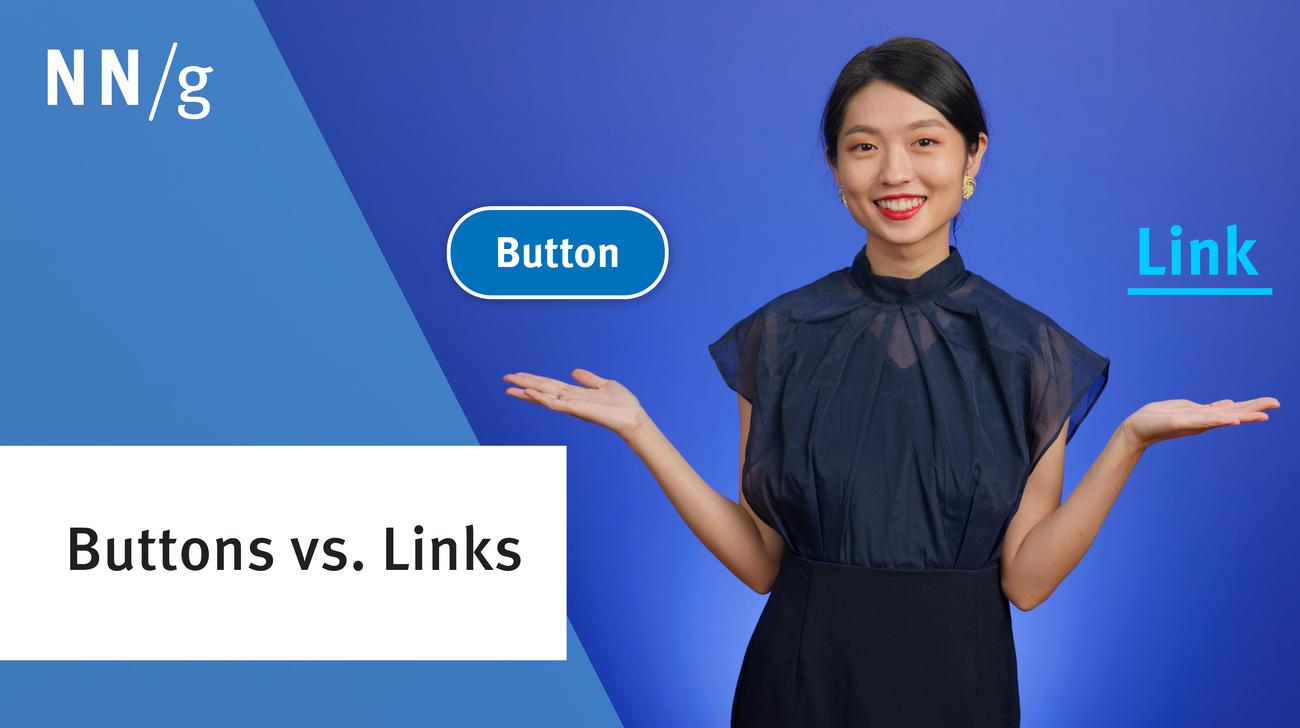
Disabled buttons often confuse users by appearing clickable but providing no response or feedback. Designers should use them sparingly, ensure they’re accessible, and clearly explain why the button is disabled.
Images are decorative, functional, or informative. Skip alt text for decorative. Describe the action for functional. Convey the message for informative.
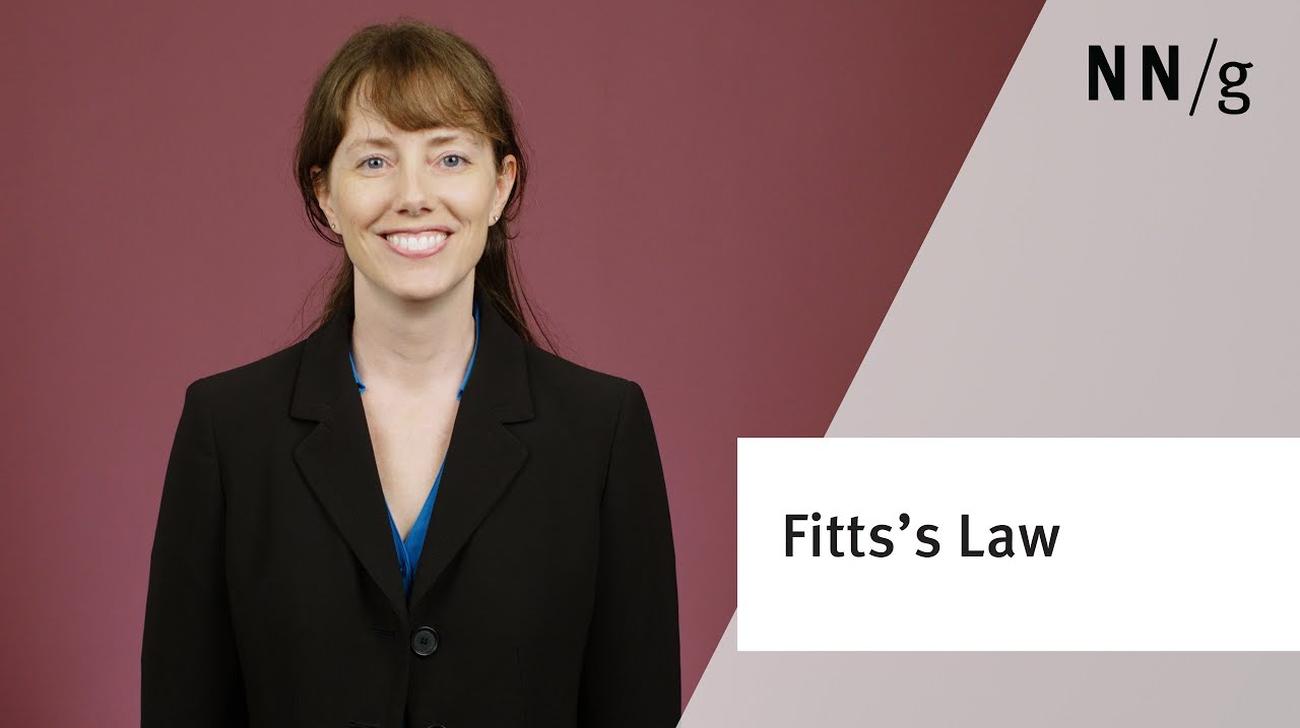
Fitts's Law describes how long time it takes to click a target, based on the distance to the target and its size. Use this information to make buttons and links faster to click.
On–off controls that switch between two different system states need to clearly communicate to users both the current state and the state the system will move to, should the user press that control.
Sliding hero images that rotate through a set of promotions, news, or the like on the top of web pages are often annoying to users and are definitely error prone, unless they are designed according to usability guidelines.
A split button is a dual-function menu button that offers a default action as well as the possibility of choosing a different action by selecting from a set of alternatives.
Labels for commands should be brief, informative, rely on verbs and adjectives, and avoid branded terms. Command shortcuts must limit the number of modifiers and follow standard conventions.
As kids’ physical development throughout childhood changes, so do their physical abilities, constraints, and device preferences. Touch gestures such as swiping and tapping big targets are easy for all children, but fine mouse or trackpad gestures such as dragging are hard for young kids.
A generic Get Started call-to-action attracts clicks, but also misleads users and acts as a roadblock for those looking to get information about the company.