Collaboration & Teams Articles & Videos

  • Remote UX Work: Guidelines and Resources

    Even though in-person UX sessions are typically ideal, sometimes budget or travel restrictions necessitate remote UX work. This article presents guidelines for remote user research, UX workshops or presentations, and collaboration.

  • Tools for Remote UX Workshops

    The type of workshop will dictate which tools your team should use. Ultimately, with limited time and budget, your best bet is to use a tool your team already knows how to use.

  • Foundational UX Workshop Activities

    There are 7 activities that act as a foundation for every UX exercise during a workshop or collaborative team meeting. By understanding these, you can create almost any other exercise you need.

  • Communicating UX to Your Colleagues and Organization

    When the organization and your coworkers don't understand UX, we have to apply our own methods to communicate more clearly with the target audience for our work.

  • UX Workshops vs. Meetings: What's the Difference?

    Meetings are for sharing information; workshops are for solving a problem or reaching an actionable goal. We compare the differences in purpose, scope, length, structure, and preparation time for workshops and meetings.

  • Remote Ideation: Synchronous or Asynchronous?

    Ideation in the UX design process can be conducted remotely: without having team members in the same room. This can be done synchronously (everybody participates at the same time) or asynchronously (people contribute at different times).

  • 5 UX Workshops and When to Use Them: A Cheat Sheet

    5 common UX workshops, explained. Learn about 5 UX workshops and how to use them within the design process.

  • Design Thinking Is Like Cooking

    As you learn design thinking, you progress through stages: being a beginner, an intermediate practitioner, and possessing advanced expertise. This progression is like learning to cook: you won't be a master chef on day 1, but there are appropriate skills to aim for at each level.

  • Incorporating UX Work into Your Agile Backlog

    Three different backlog models enable teams to keep track of UX work in their Agile processes. Each model comes with pros and cons.

  • Tool Abundance in the Digital Workplace: Trendy or Troublesome?

    With an abundance of digital workplace tools available today, organizations must carefully approach tool curation to preserve employee productivity and their workplace experience.

  • Parking Lots in UX Meetings and Workshops

    A parking lot captures unrelated questions or out-of-scope conversations during UX meetings or workshops to keep the discussion focused and maintain momentum.

  • Cognitive Mapping in User Research

    In cognitive mapping sessions, users are asked to produce a visual representation of their mental models. This type of user interview can provide stimulus for conversation, generate insights, and act as a facilitation aid.

  • Remote Ideation: Synchronous vs. Asynchronous

    Asynchronous remote ideation allows people to contribute ideas whenever it’s convenient to do so, but synchronous sessions lead to faster results and more team building.

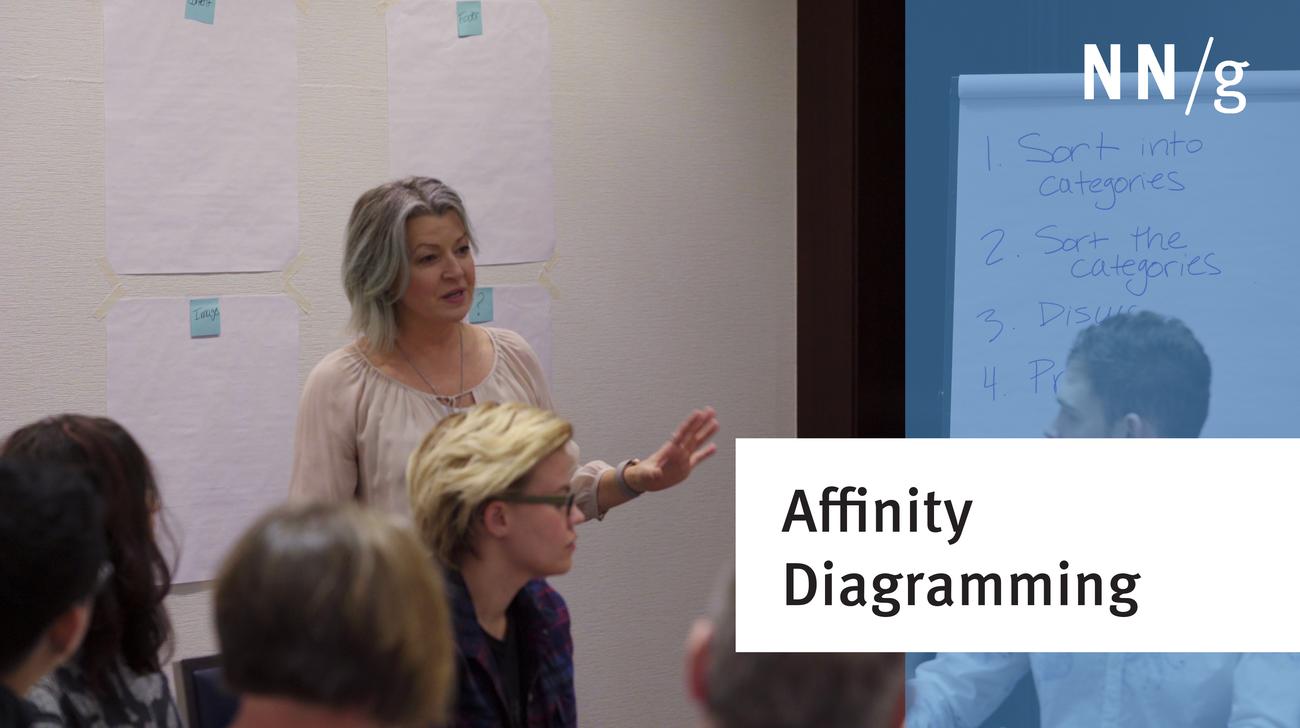
  • Affinity Diagramming: Collaborate, Sort and Prioritize UX Ideas

    Use the affinity diagramming method with stakeholders and members to efficiently categorize then prioritize UX ideas, research findings, and any other rich topics. Work together to quickly develop a shared understanding among your team.

  • Dot Voting: A Simple Decision-Making and Prioritizing Technique in UX

    By placing colored dots, participants in UX workshops, activities, or collaborative sessions individually vote on the importance of design ideas, features, usability findings, and anything else that requires prioritization.

  • UX Responsibilities in Scrum Events

    As part of an Agile team, UX professionals should participate in all Scrum events in order to maintain open communication, influence product success, and productively contribute to the team.

  • Top 5 Mistakes in Running UX Workshops

    Workshops are a useful tool in the user-experience design process, but mistakes are common when the workshop facilitator didn't prepare right, causing the team to waste time.

  • User Need Statements: The ‘Define’ Stage in Design Thinking

    User need statements, also called problem statements or point-of-view statements, are a tool for defining and aligning on the problem you are going to solve.

  • UX Retrospectives

    Retrospectives help teams reflect on their process, identify strengths and areas to improve, and turn insights into actionable plans for better future work.

  • A 4 Minute UX Workshop Facilitator's Guide

    As a facilitator, it’s your responsibility to make sure the time spent in workshops is as productive as possible for attendees, while at the same time ensuring that you get the insights you need in order to move your project forward.