Fitts's Law describes how long time it takes to click a target, based on the distance to the target and its size. Use this information to make buttons and links faster to click.
How to familiarize users with new user interfaces? Onboarding techniques include feature promotion, customization, and instructions. All must be kept simple.
Modes can be a hidden state and lead to user errors. But they can also make a user interface more efficient by allowing the same action to have different results, depending on the situation.
Direct manipulation is an interaction technique in graphical user interfaces where users move depictions of objects around and get immediate feedback about their actions and the outcome of these actions.
Consistent design enhances learnability and is usually best for usability. But if the problem you're solving is sufficiently different, then inconsistency may be better.
Animations can make user interfaces both easier and nicer to use, but the timing has to be right, as we demonstrate in this video. Many other details also contribute to the quality of animation in the user experience.
User interfaces that simulate a presence in a physical space allow people to tour an environment without travelling there, but were mostly considered secondary by our research participants, partly because it’s currently slow and confusing to navigate virtual tours.
Demanding that users create a new account before they are able to access a website or mobile app is only justified in rare cases. Usually, people go away, rather than scale a wall placed between them and your offerings.
Two of the most fundamental usability metrics are learnability (the user's ability to use a new design they have not seen before) and efficiency (the speed with which people do tasks after they have learned the interface).
Customer Experience (CX) and User Experience (UX) are two common terms that mostly mean the same thing but have different connotations. Whatever your preferred term, it's important to consider design at 3 levels of experience.
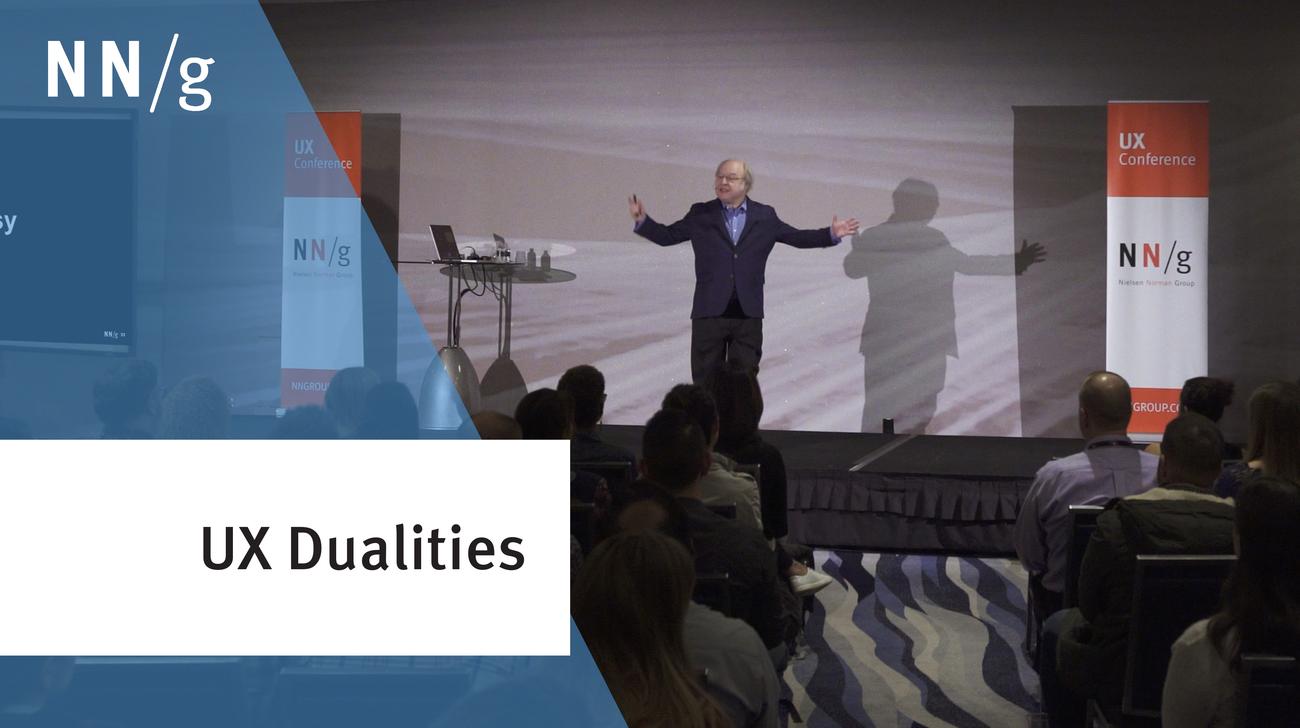
Many issues in the user-experience field don’t have a simple answer. Rather there’s a tension between two good answers that are often polar opposites. Both extremes can be useful perspectives, and both have their advocates when people debate UX. How do we resolve these differences? This was Jakob Nielsen's keynote at the UX Conference in Las Vegas.
Having to register for websites, services, or apps is already annoying enough for users. But complications compound when they are faced with hidden requirements for what constitutes an acceptable password.
In a graphical user interface, having the user move a cursor within a narrow path (e.g., in a hierarchical menu or a slider) follows a strict law for how easy or difficult it is to do, depending on the specifics of the GUI.
Simplicity depends on the capacity of the information channel and what's simple for one device, can be primitive or intricate for another, since screens are information channels with a limited capacity. When you're designing for multiple devices, don't go by common cliches like "simple is good."
Gamification is the usage of game mechanics in nongame contexts, such as mainstream UX design. The most successful implementations of gamification begin with a learner-centered mindset.
Fitts's Law describes how long it takes a user to hit a target in a graphical user interface (GUI) or other design, as a function of size and distance. Understanding this law helps us design better buttons, forms, lists, and other interactive elements.