User Testing Articles & Videos

  • Remote Usability Tests: Moderated and Unmoderated

    Remote usability testing allows you to get customer insights when travel budgets are small, timeframes are tight, or test participants are hard to find.

  • Making Usability Findings Actionable: 5 Tips for Writing Better Reports

    For usability testing to be valuable, study findings must clearly identify issues and help the team move toward design solutions.

  • Flexible Usability Testing: 10 Tips to Make Your Sessions Adapt to Your Clients’ Needs

    For testing assignments where client teams are ready, willing and able to take immediate action, being flexible with tasks within and between participants can offer better bang for your buck.

  • Traveling Usability Lab

    User testing can be done anywhere; witness our international studies, carried out with equipment that fit in a carry-on bag.

  • How Many Test Users in a Usability Study?

    The answer is 5, except when it's not. Most arguments for using more test participants are wrong, but some tests should be bigger and some smaller.

  • A/B Testing, Usability Engineering, Radical Innovation: What Pays Best?

    3 approaches to better design: each has its uses, but the costs, benefits, and risks differ dramatically.

  • Thinking Aloud: The #1 Usability Tool

    Simple usability tests where users think out loud are cheap, robust, flexible, and easy to learn. Thinking aloud should be the first tool in your UX toolbox, even though it entails some risks and doesn't solve all problems.

  • Usability 101: Introduction to Usability

    Usability makes designs easy, efficient, and satisfying to use. Improve it through early, repeated user testing with real users

  • Accuracy vs. Insights in Quantitative Usability

    Better to accept a wider margin of error in usability metrics than to spend the entire budget learning too few things with extreme precision.

  • Try to Be a Test User Sometime

    In pilot studies, you can occasionally relax the need for real users and let members of your own team serve as test participants. It's good for them.

  • Parallel & Iterative Design + Competitive Testing = High Usability

    3 methods for increasing UX quality by exploring and testing diverse design ideas work even better when you use them together.

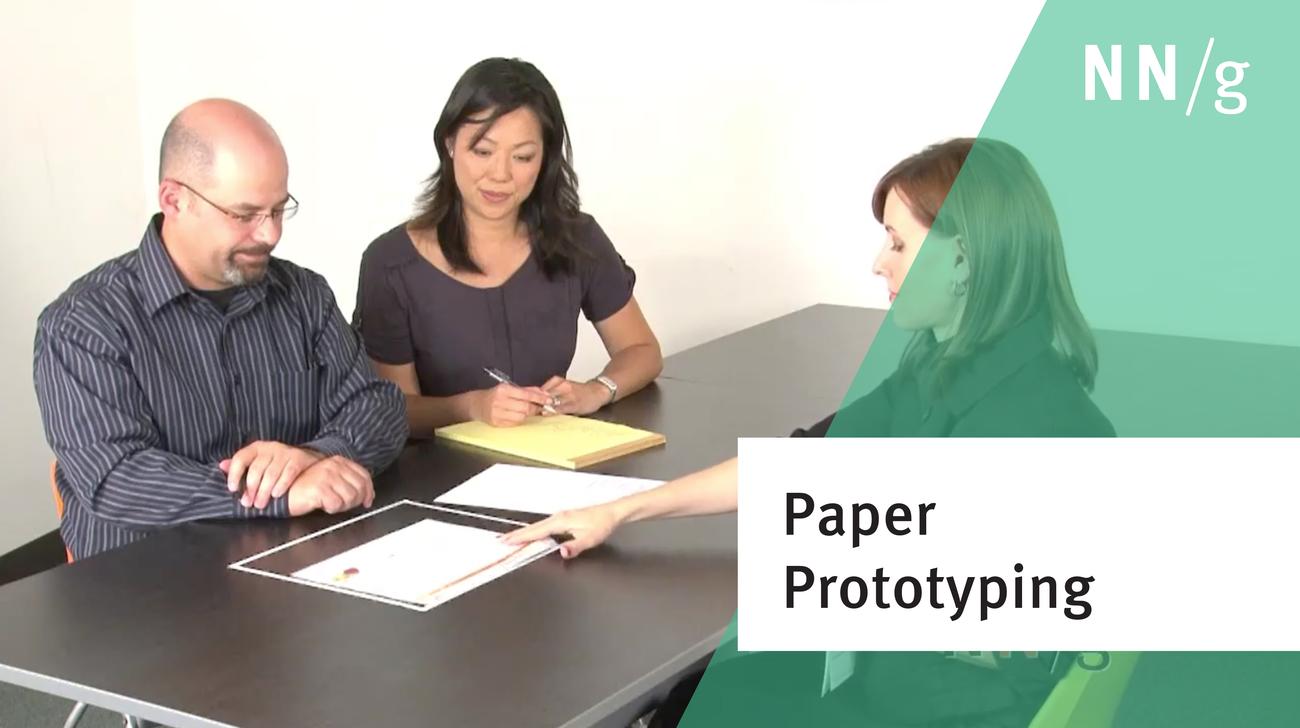
  • Paper Prototyping: How to Create & Usability-Test Simple UI Prototypes (Tutorial)

    Create low-fidelity, low-commitment rapid user interface prototypes to can get early user feedback. Video shows how to conduct user testing of these simulated screens, with examples of the kinds of usability problems you can discover by testing different kinds of prototypes.

  • Involving Stakeholders in User Testing

    Besides usability specialists, all design team members should observe usability. It's also good to invite executives. Although biased conclusions are possible, they're far outweighed by the benefits of increased buy-in and empathy.

  • Testing Expert Users

    It's more difficult to conduct usability studies with experienced users than with novices, and the improvements are usually smaller. Still, improving expert performance is often worth the effort.

  • Anybody Can Do Usability

    Usability is like cooking: everybody needs the results, anybody can do it reasonably well with a bit of training, and yet it takes a master to produce a gourmet outcome.

  • Discount Usability: 20 Years

    Simple user testing with 5 participants, paper prototyping, and heuristic evaluation offer a cheap, fast, and early focus on usability, as well as many rounds of iterative design.

  • Guesses vs. Data as Basis for Design Recommendations

    Even the tiniest amount of empirical facts (say, observing 2 users) vastly improves the probability of making correct UI design decisions.

  • Weekly User Testing: TiVo Did It, You Can, Too

    TiVo ran 12 user tests in 12 weeks while designing its new website. As TiVo's experience shows, frequent and regular testing keeps the design usability focused.

  • Extreme Usability: How to Make an Already-Great Design Even Better

    The 1% of websites that don't suck can be made even better by strengthening exceptional user performance, eliminating miscues, and targeting company-wide use and unmet needs.
  • 25 Years in Usability

    Since I started in 1983, the usability field has grown by 5,000%. It's a wonderful job - and still a promising career choice for new people.