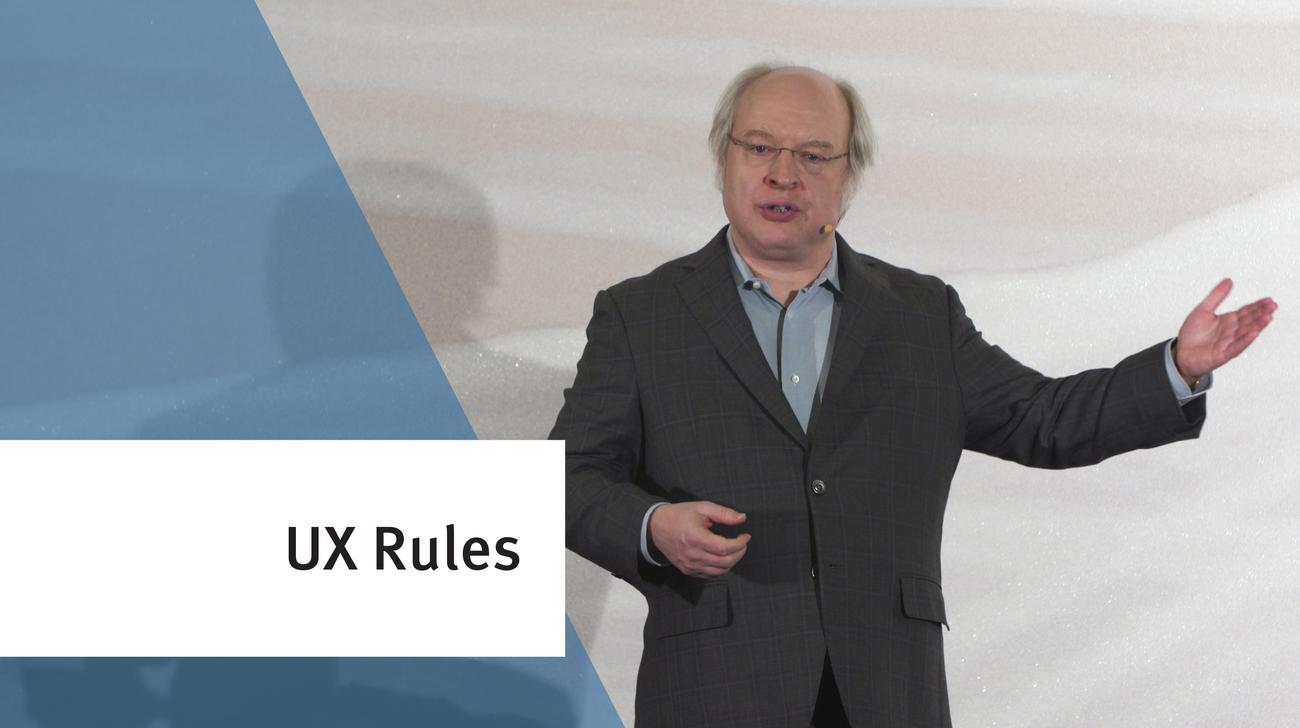
Jakob Nielsen explains the heuristic evaluation method, which allows you to judge a user interface design based on 10 well-proven general principles for human-computer interaction.
No. 10 of the top 10 UX design heuristics is provide user assistance at appropriate times in the interaction, making sure that such information is easy to search, focused on the user's task, lists concrete steps to be carried out, and not too large.
No. 9 of the top 10 UX design heuristics is to write error messages that help users understand the problem and to provide information that constructively teaches users how to recover from the error.
For 30 years, the recommendations have remained the same for improving usability in a UX design project on a tight budget: simplified user testing with 5 users, early test of paper prototypes, and heuristic evaluation.
No. 8 of the top 10 UX design heuristics is to remove unnecessary elements from the user interface and to maximize the signal-to-noise ratio of the design.
No. 5 of the top 10 UX design heuristics is to prevent interaction problems from occurring in the first place: either eliminate error-prone conditions or check for them and present users with a confirmation dialog.
No. 4 of the top 10 UX design heuristics is to stick to UI conventions and follow existing standards, so that users know what to expect and how to operate the interface.
No. 3 of the top 10 UX design heuristics is to allow users freedom to be in control of the interaction, even if they make mistakes and will need a clearly marked way out of trouble.
No. 2 of the top 10 UX design heuristics is to speak the users' language, use terms familiar to the user, follow real-world conventions, and make information appear in a natural and logical order; all in the interest of achieving a match between the system and the real world.
No. 1 of the top 10 UX design heuristics is to provide visibility of system status through proper feedback, so that the user knows how commands are being interpreted and what the computer is up to at any time.
#6 of the top 10 UX design heuristics is to design user interfaces to facilitate #memory recognition which is easier than recall because there are more cues available to facilitate the retrieval of information from memory.
Critiquing a design is not the same as criticizing a design. Keep opinions out of design reviews to remain objective and increase the value of the design assessment.
Communicating the current state allows users to feel in control of the system, take appropriate actions to reach their goal, and ultimately trust the brand.