Accessibility Articles & Videos

  • 10 Best Intranets of 2023: What Makes Them Great

    Winners of the 2023 Intranet Design Annual span 5 countries and 6 industries. Average team sizes were larger this year compared to those of years past, while collaboration with external agencies played a significant role in executing successful intranet redesigns.
  • How Screen-Reader Users Type on and Control Mobile Devices

    Users who are blind or have low vision prefer dictation over typing with a keyboard whenever possible. Screen readers on touchscreen devices are restricted to a well-defined set of gestures which makes interaction more challenging than on computers.

  • Conducting Mobile Accessibility Research with Screen-Reader Users

    Use word of mouth to recruit research participants who rely on screen readers. Conduct the study in person to help participants feel comfortable, and plan to record the screen-reader output.

  • Challenges for Screen-Reader Users on Mobile

    Using a screen reader on mobile is challenging because users must access information sequentially and they cannot easily scan page content. Screen-reader users do not consider accessibility menus helpful.

  • 5 Visual Treatments that Improve Accessibility

    To design accessible visuals, account for color contrast, don’t rely on color alone, make interactive elements easy to identify, provide useful alternative text for images, and test your visuals with real users.

  • The UX of Phone-Tree Systems: 16 Usability Guidelines

    Phone trees are often frustrating. Badly designed interactive voice-response (IVR) systems violate many of the 10 usability heuristics.

  • The 10 Best Intranets of 2022: Trends in Design and Process

    Still challenged by the global pandemic but unwavering, intranet-design teams committed to accessibility and inclusion. Empathy and logic prevailed, resulting in winning intranets that are accepting and supportive of all employees equally.

  • 10 Best Intranets of 2022: What Makes Them Great

    The 2022 Intranet Design Annual winning teams were small relative to the size of their organizations, yet they produced excellent designs quickly. Teams continued to partner with outside consultants for support in development, project management, design, research, and other areas. A wide variety of industries from only four countries were represented this year.

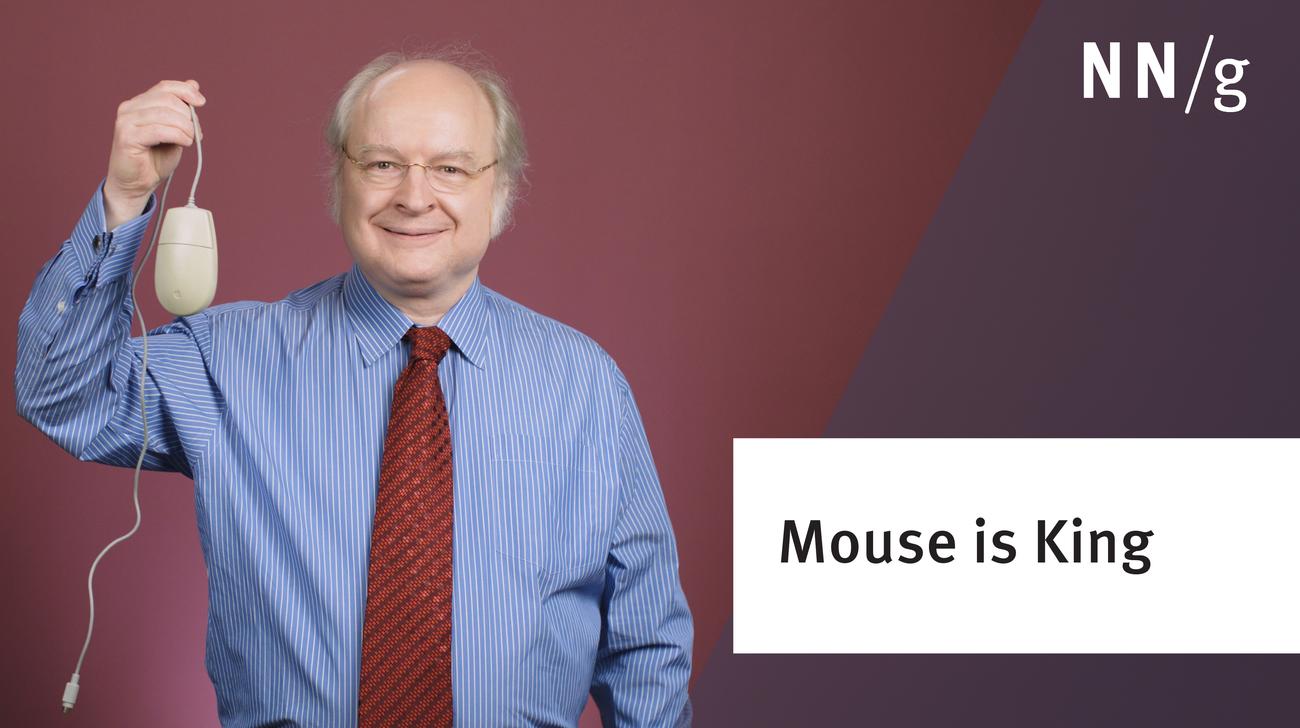
  • Mouse Is King

    The computer mouse is the most efficient pointing device for speed and accuracy. More important, it's the symbol of user empowerment and control over the user interface.

  • Inclusive Design

    Inclusive design describes methodologies to create products that understand and enable people of all backgrounds and abilities. It may address accessibility, age, economic situation, geographic location, language, race, and more.

  • Vote By Mail: Mistakes Are Too Easy

    The design of vote-by-mail materials (made imperative by the COVID-19 pandemic) have UX issues that make the voting process unnecessarily difficult and error prone.

  • Alternatives to Low-Contrast Text

    If the foreground color (the actual words) is too similar to the background color, legibility suffers, and users can't read your copy. Simple tweaks make websites much easier to read.

  • Convincing Companies to Do UX and Accessibility

    The relationship between accessibility and usability and the best ways to convince companies to take both seriously were some of the audience questions answered by Jakob Nielsen at the Virtual UX Conference.

  • 4 Things to Do When Designing for Older Users

    The number of older adults who use computers and the Internet grows every year. This user population does have special needs, driven by the human aging process, and modest design changes can vastly increase the business you get from seniors.

  • Executing UX Animations: Duration and Motion Characteristics

    Define a trigger, transformations, duration, and easing of the animation, and be mindful of accessibility issues and annoying the user.

  • Dark Mode vs. Light Mode: Which Is Better?

    In people with normal vision (or corrected-to-normal vision), visual performance tends to be better with light mode, whereas some people with cataract and related disorders may perform better with dark mode. On the flip side, long-term reading in light mode may be associated with myopia.

  • Changes in How Older Adults Use Computers

    Our new user research with older adults (users aged 65 and up) shows 3 major shifts in how they use computers, compared with our first research with this audience, 20 years ago. Design for today's older users, and not for your stereotype of how these users used to be.

  • Treemaps: Data Visualization of Complex Hierarchies

    A treemap is a complex, area-based data visualization for hierarchical data that can be hard to interpret precisely. In many cases, simpler visualizations such as bar charts are preferable.

  • Usability for Older Adults: Challenges and Changes

    Users ages 65 and older face unique challenges when using websites and apps. Digital literacy among this demographic is rising, but designs need to accommodate older users.

  • Inclusive Design Is a Welcome Mat

    Inclusive design is a philosophy that redefines what it means to be human-centered. To design inclusively, designers need to respect and represent many different perspectives.